Anonymous
Inactive
I can’t filter and search posts.
With CPT I created custom post types and taxonomys,
I tried to implement the search and filter plugin using this explanation : https://searchandfilter.com/documentation/3rd-party/elementor/
on this temporary page http://de-organisator.nl/wp/zoeken/
I did the following:
– Added the Search & Filter form to the page
– Set display results to custom pointing to the above url
I tried to it by doing the following
– added the post grid with query for 1 of the taxonomys
when that didn’t work i tried adding a post grid without query
– added [searchandfilter id=”460″ action=”filter_next_query”]
I cant really understand what to do with this step :
Before the Posts Widget, tell S&F that it needs to filter the grid by adding a text area and adding our filter_next_query shortcode:
[searchandfilter id=”123456″ action=”filter_next_query”]
I cant get the results to showup in the elementor post grid. Can you help me? I tried to search the forum but the promising topics were mostly marked private
AnonymousInactive
Hi,
I have the Search & Filter pro version but i have problem with Infinite scroll, it doesn’t work :
> I used the method “Using a shortcode” and results are show
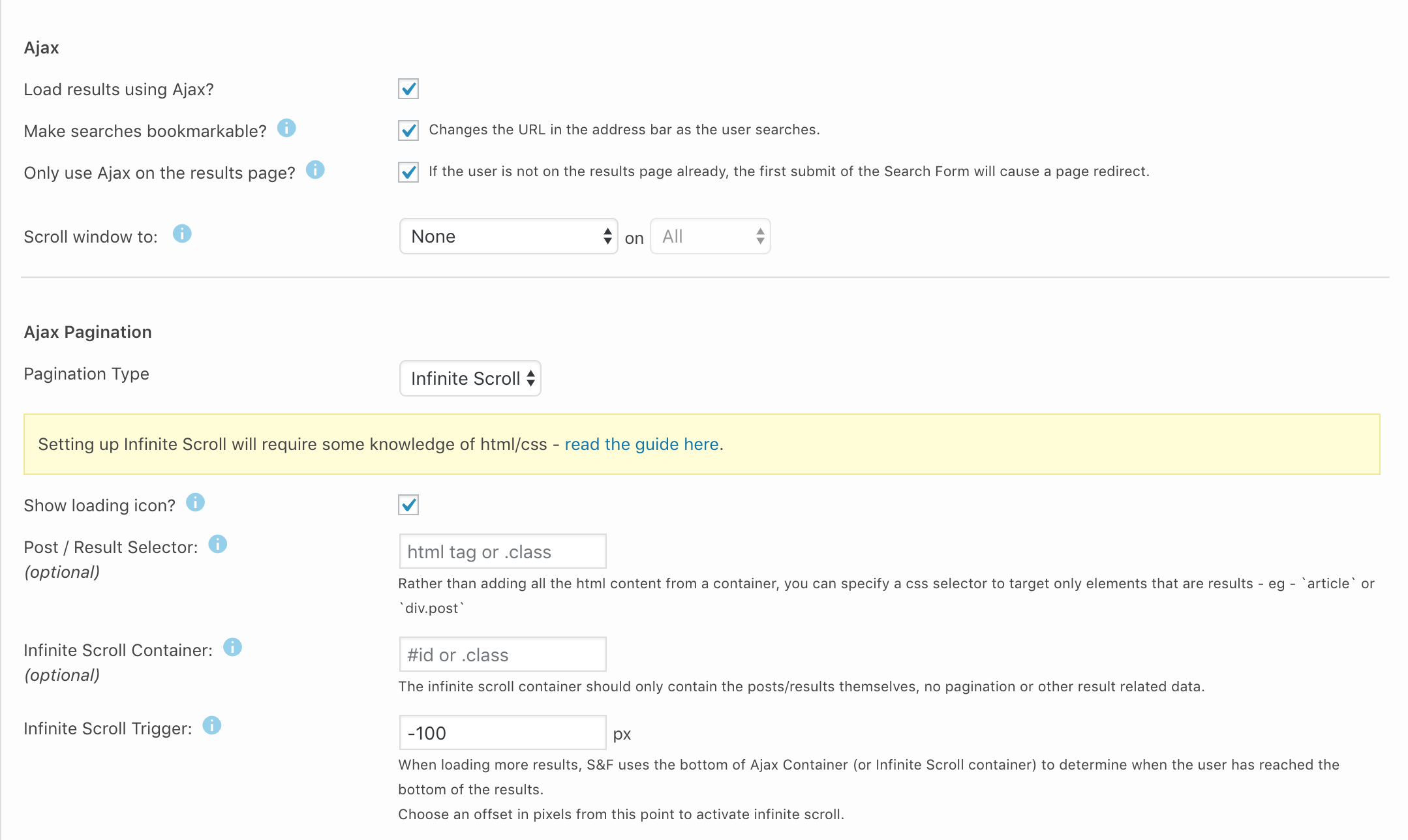
> All Ajax option are checked
> I tried all “optionnal” option with different class
> I used the “Normal” pagination and the normal pagination work (older & newest post)
> I used the PHP “results-infinite-scroll.php”
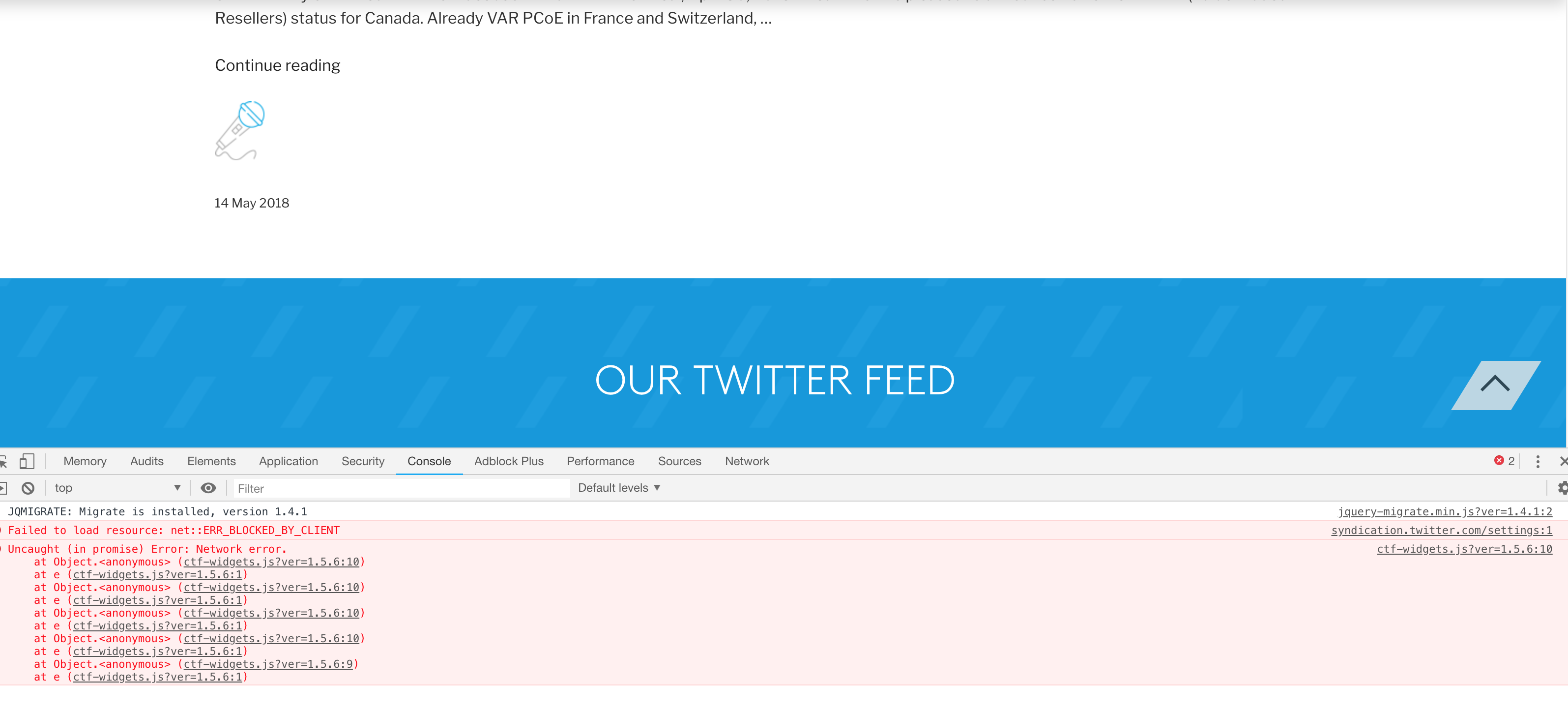
> I used Elementor component on my website (no error in console)
I can’t give you access to my website because it’s need a special VPN, sorry.
Screenshot 1
Screenshot 2
Barend
The code shown varies from site to site. The bit that will change is this:
.elementor-380
Where the number changes, and you would need to find out (by using the browser developer tools HTML element inspector) what that is for your site/page.
Where you add the CSS and JavaScript is our choice. On the page in question, you could insert a text element above the grid and paste the script into that.
AnonymousInactive
Hi, does the plugin wotk with Elementor (free), or is Elementor Pro required?
Thanks.
M
Hi
Our support hours are:
10am – 5pm (GMT), Monday – Friday
Outside of these hours we cannot guarantee to respond. You will note that it is now 7:15AM here. We reply to tickets in rotation.
I have inspected the HTML, and can see that you have the Ajax Container set to:
#elementor-posts-container
but the instructions say to set it to:
.elementor-posts-container
That may be the issue.
AnonymousInactive
Hello,
I have a website with Elementor on it.
I installed your plugin exactly as said here: https://searchandfilter.com/documentation/3rd-party/elementor/
It is working when I use normal search, but not with Ajax.
When I use Ajax, only the categories are updated, not the posts.
My site with the plugin and Ajax enabled: https://bit.ly/2LrVMia
AnonymousInactive
Hi Trevor,
Aha… of course, sounds obvious! So instead I should try to use the script in Elementor somewhere, I guess…
I used it on multiple locations in the results.php (not at the same time, by the way), but if the site isn’t using that file, obvious it doesn’t show 😉
Just asked Elementor Pro for a bit of assistance (which page I should attack with the Java 😉
I’ll let you know if they have some good intel, haha!
Thanks so far !
Kind regards,
Klaas
Did you make a typo there Klaas? You aren’t using the Shortcode method, so it doesn’t use a results.php template file. Instead, you are using the Custom method, which uses the Elementor post element.
How or where did you apply the javascript?
Yes I am using Chrome in Windows. But now I see it. And I think I have a fix:
Add this custom CSS to the theme:
body.sfajax .elementor-380 .elementor-element.elementor-element-6c9e0661 .elementor-posts-container .elementor-post__thumbnail {
  padding-bottom: 0 !important;
}
Then you need to add a javascript to the page:
<script>
(function ( $ ) {
  "use strict";
  $(document).on("sf:ajaxstart", ".searchandfilter", function(){
    jQuery("body").addClass("sfajax");
  });
}(jQuery));
</script>
Hi. Sorry for the delay.
Can you try setting the Ajax container to:
.elementor-posts-container